Your work already connects. Your tools should, too.
A task often starts somewhere else: a conversation, a note, a saved article or a bigger idea. Productivities keeps that context close, so organising your work doesn’t mean rebuilding the same picture across different apps.
Start with the tools you need. Bring more into your workspace as your work grows.
From a first thought to a finished thing
A place for every next step.
01
Capture
Save a thought, task, article, document or link without breaking your flow.
02
Understand
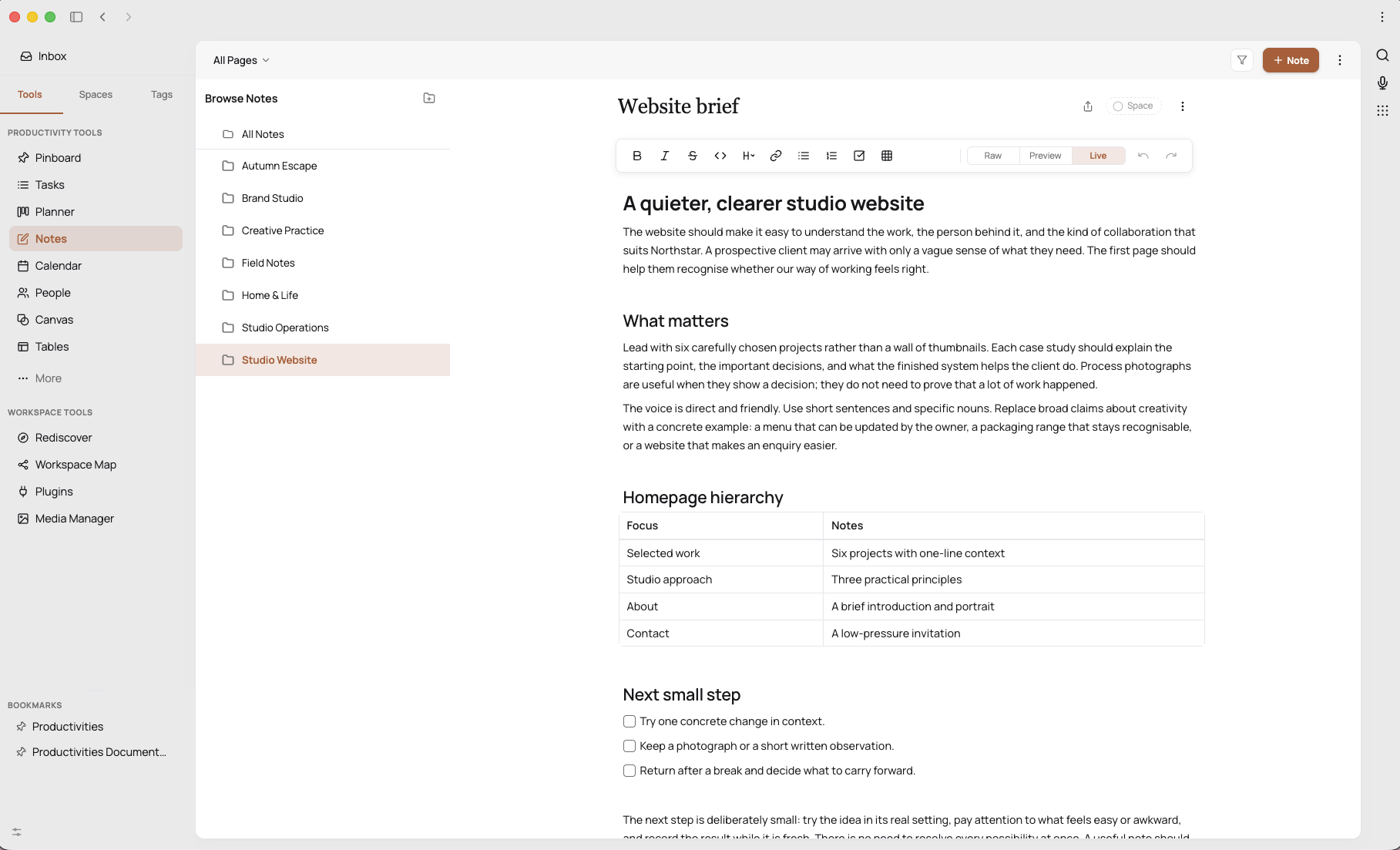
Read, highlight and develop ideas in Pages and visual canvases.
03
Organise
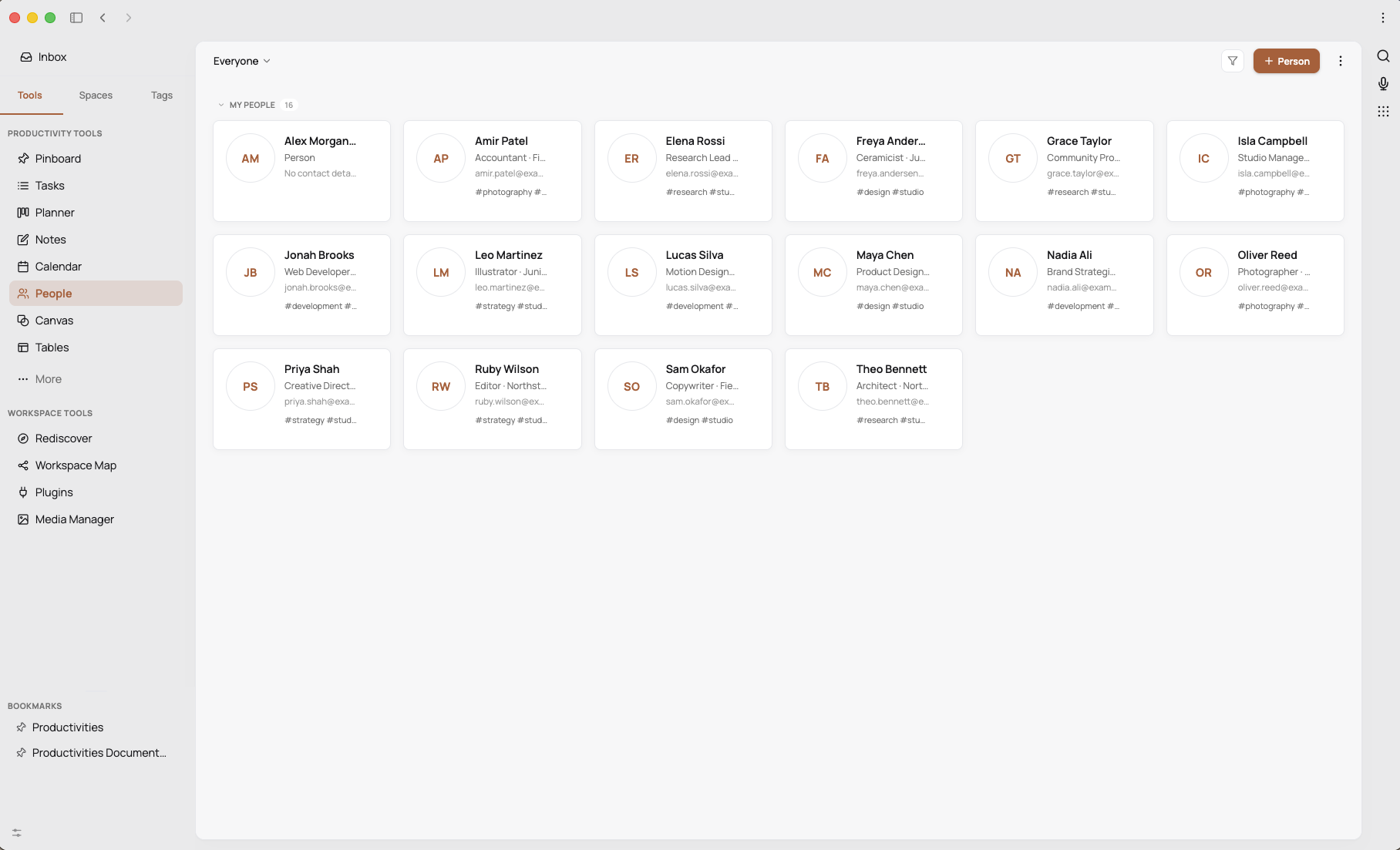
Bring related tasks, knowledge, references and people together in Spaces.
04
Plan
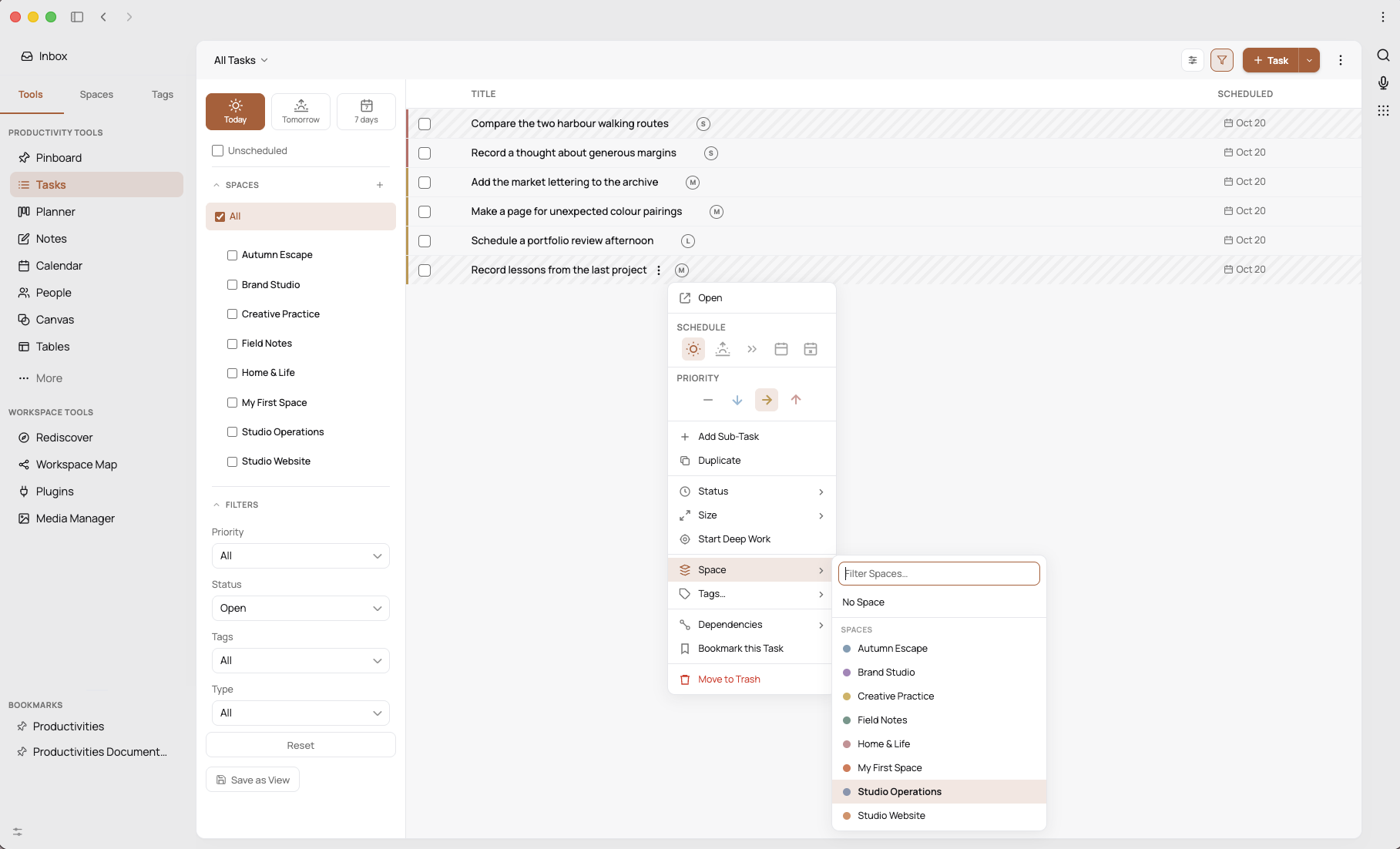
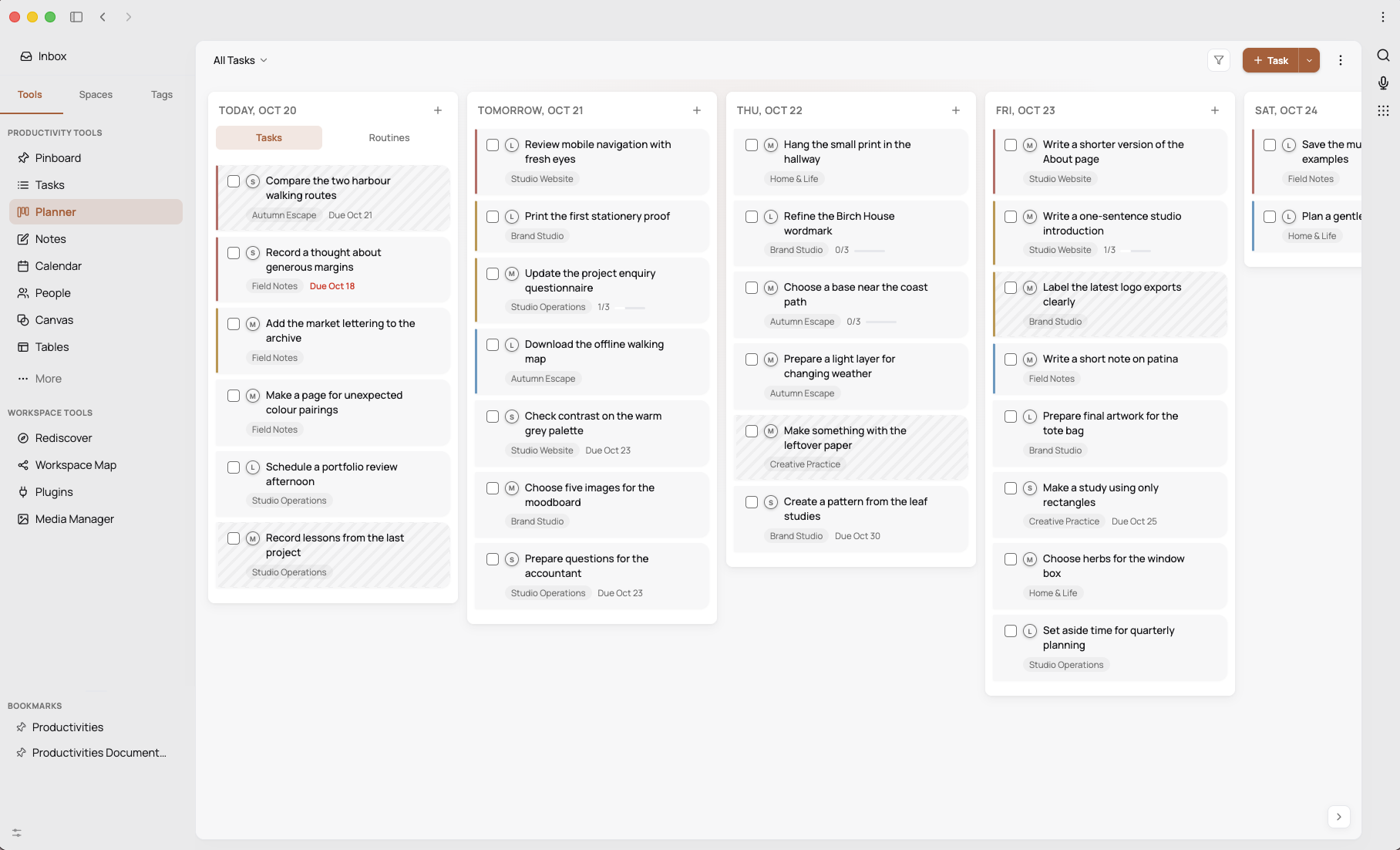
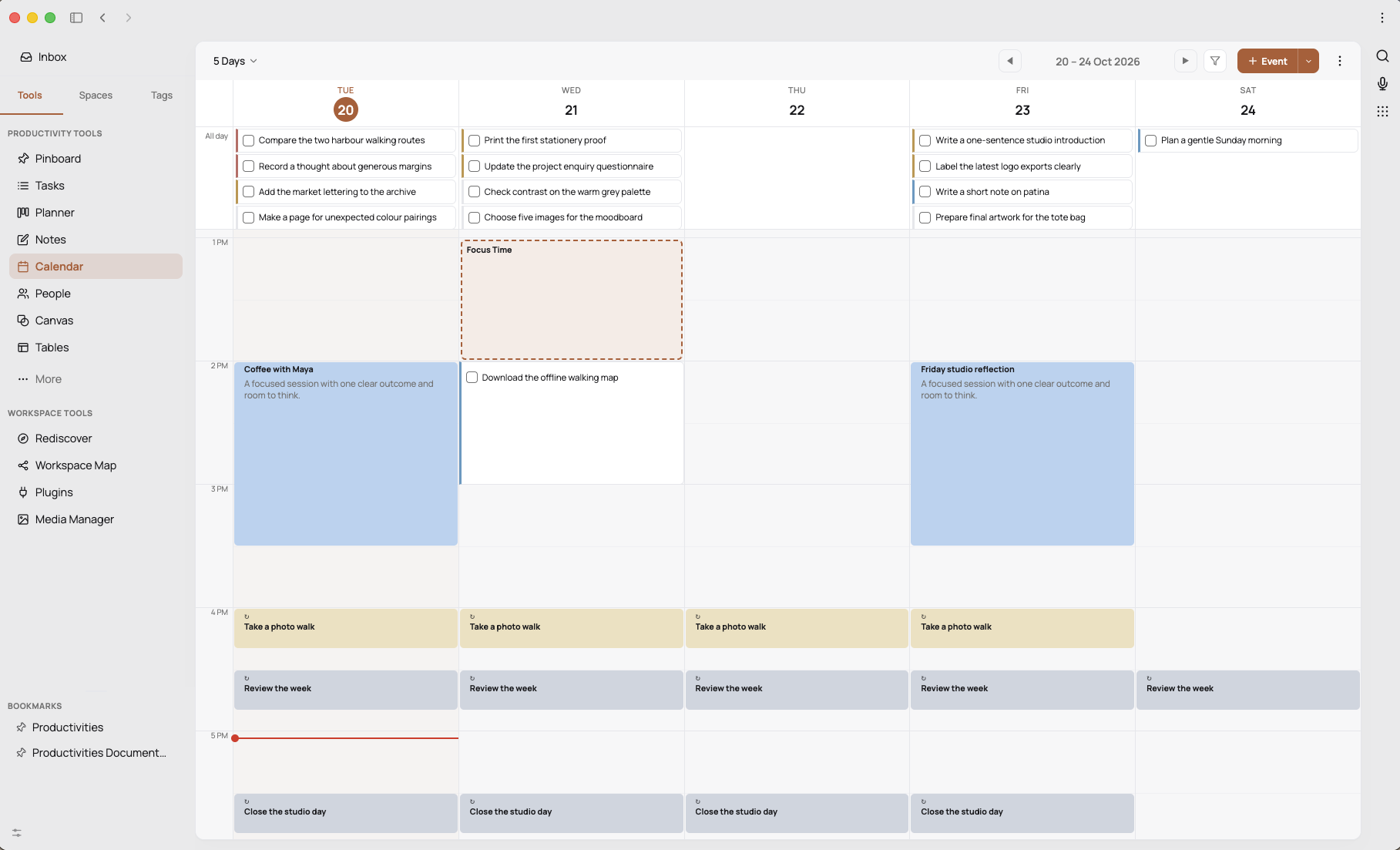
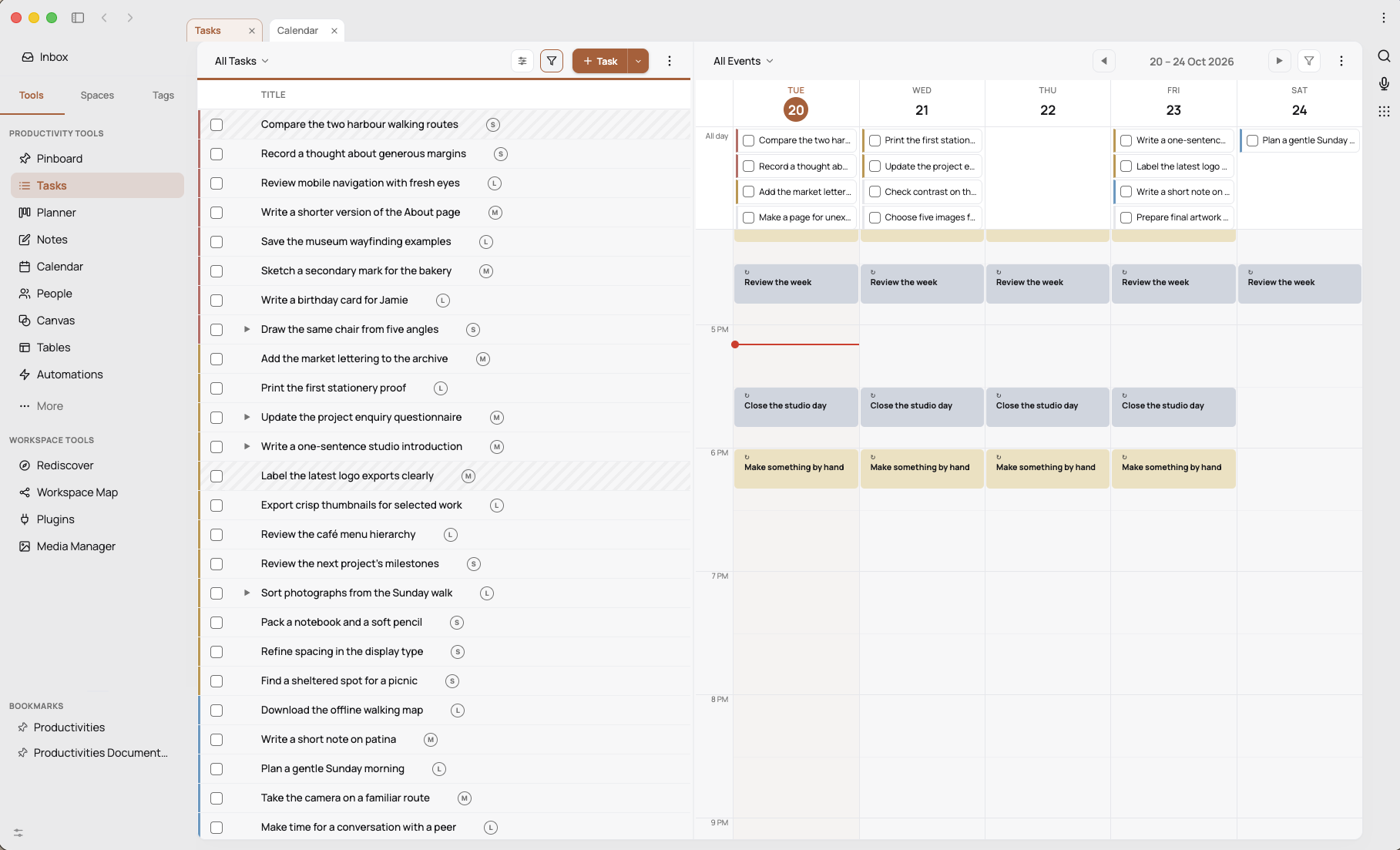
Schedule tasks and protect focused time alongside your calendar commitments.
05
Act
Work through the next step with the supporting context close at hand.
06
Review
See what you completed, adjust priorities and decide what happens next.
Keep what catches your eye
Save it now. Make something of it later.
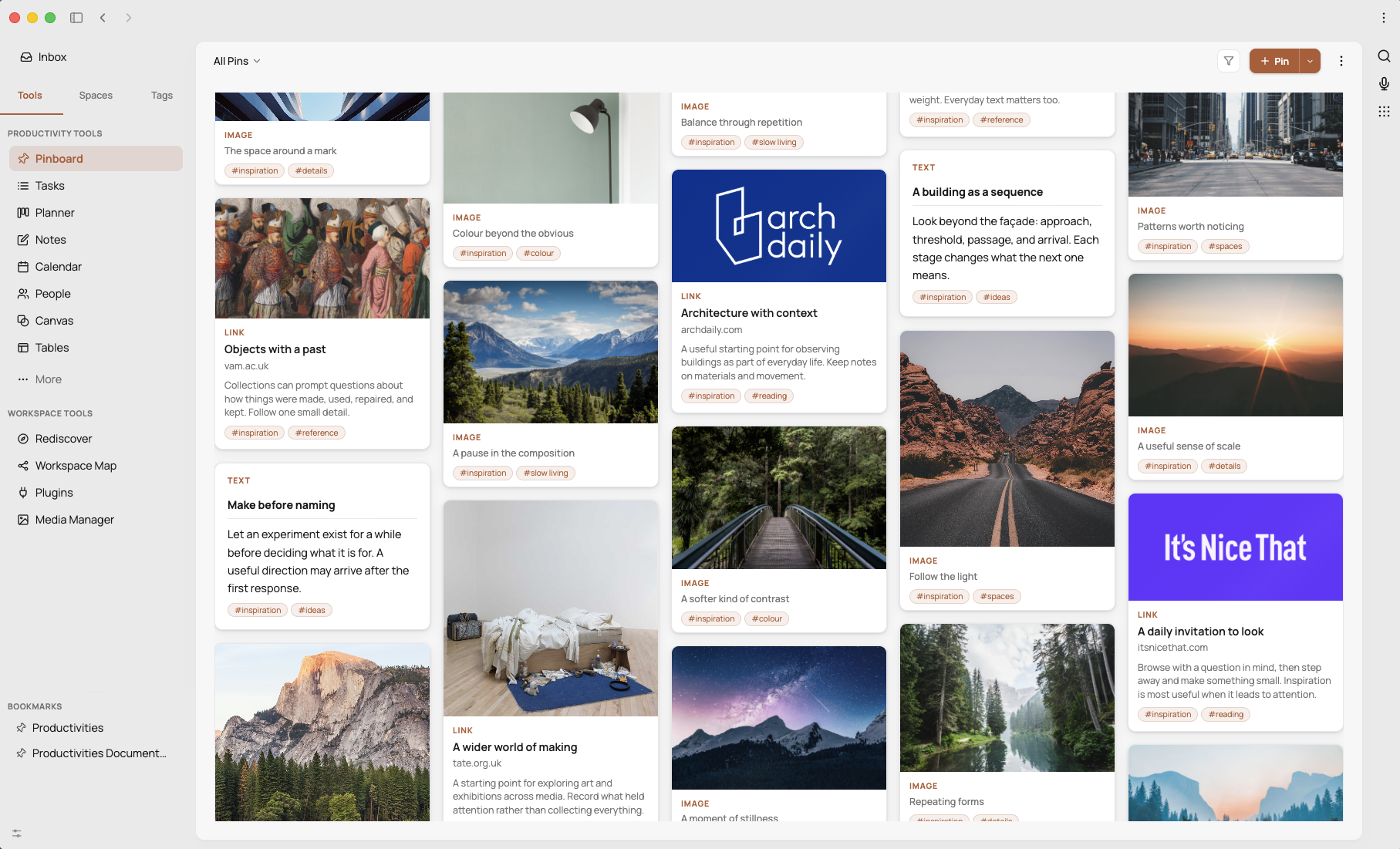
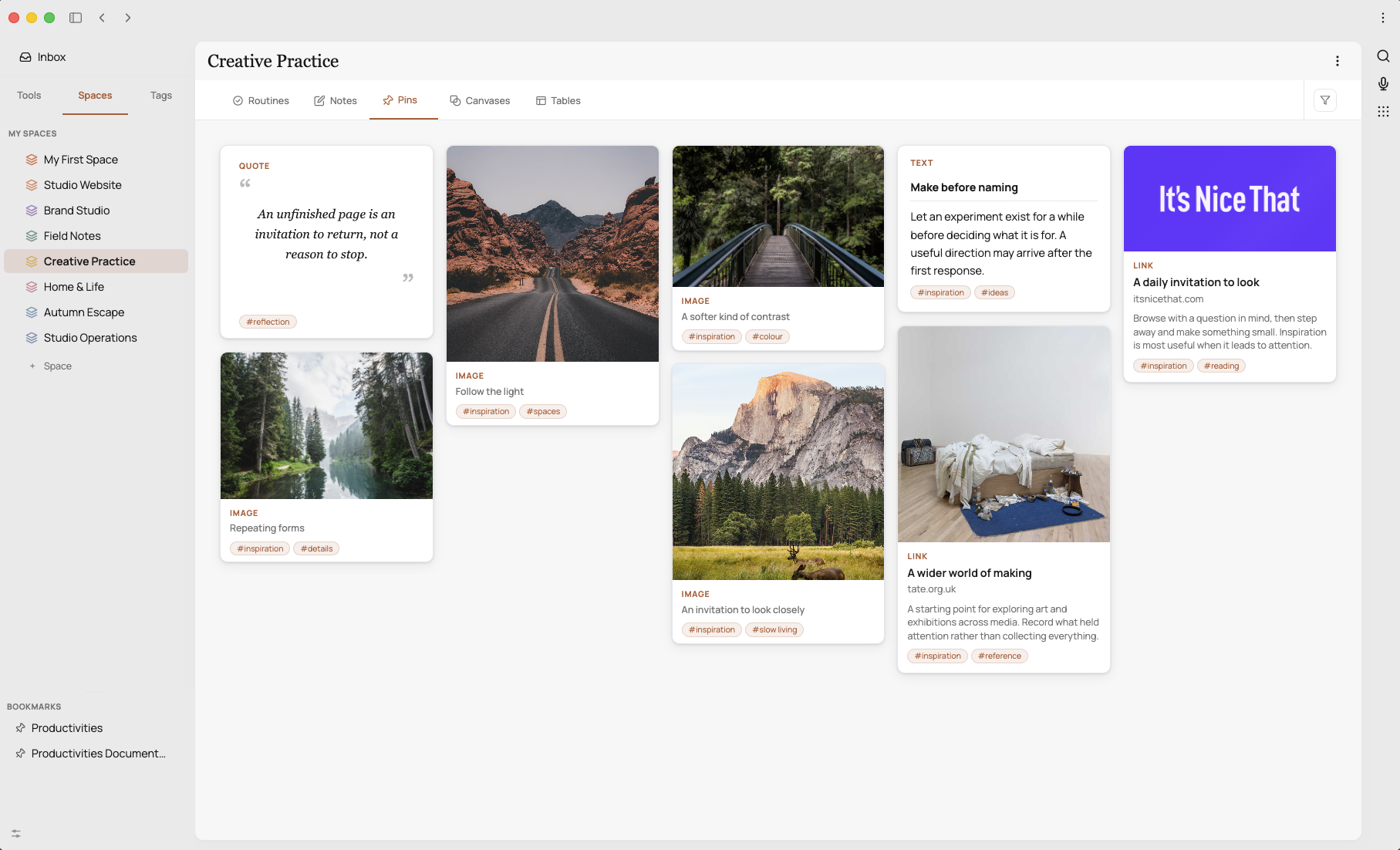
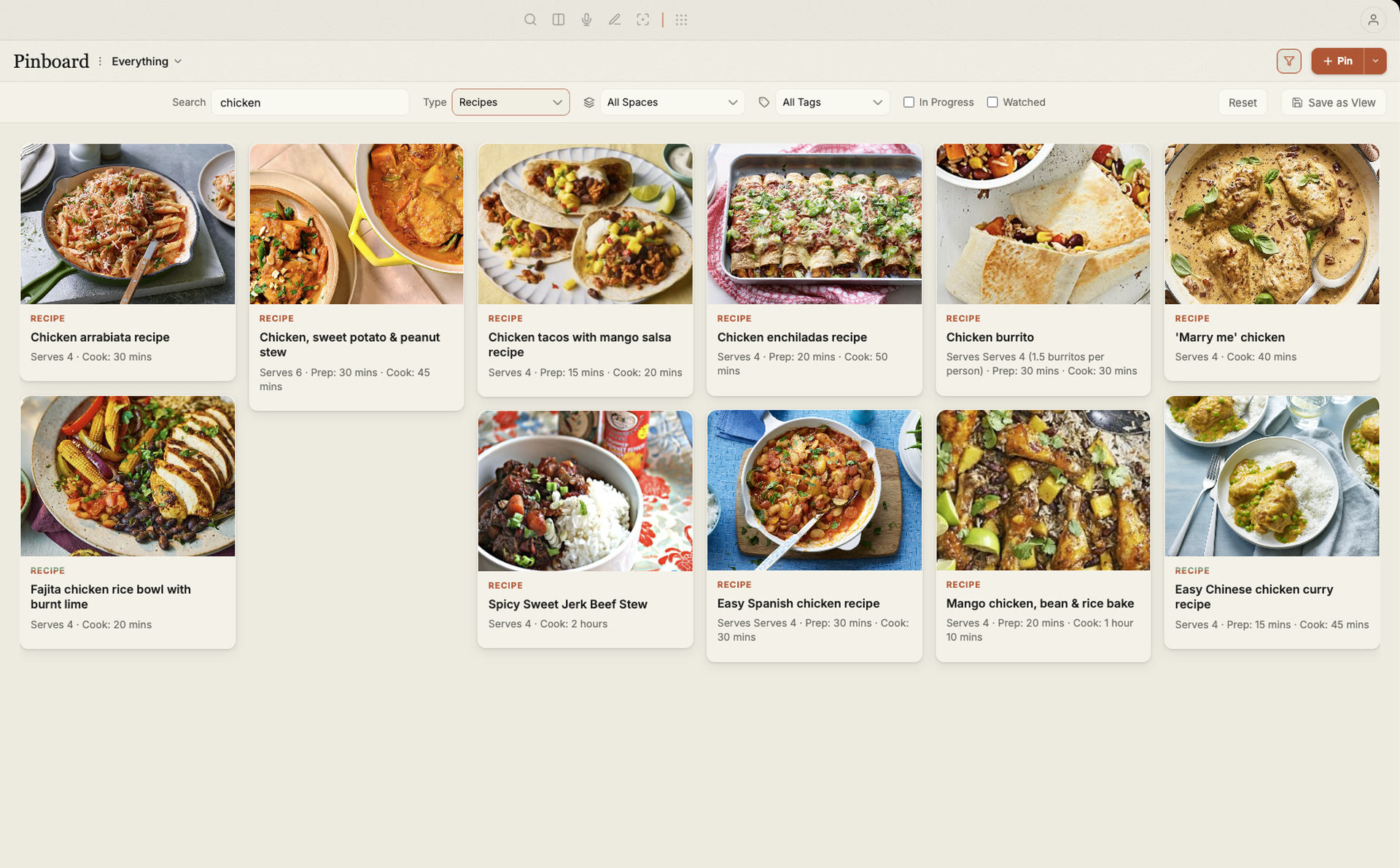
Articles, PDFs, images, links and quick notes can all have a home. Capture useful material, return to read and highlight it, then connect it to your thinking and the work it inspires.
Pages give your ideas room to develop in real Markdown files. Your references stay part of the story.
Collected material, ready when you need it.
Give the bigger picture a home
Different pieces. A shared purpose.
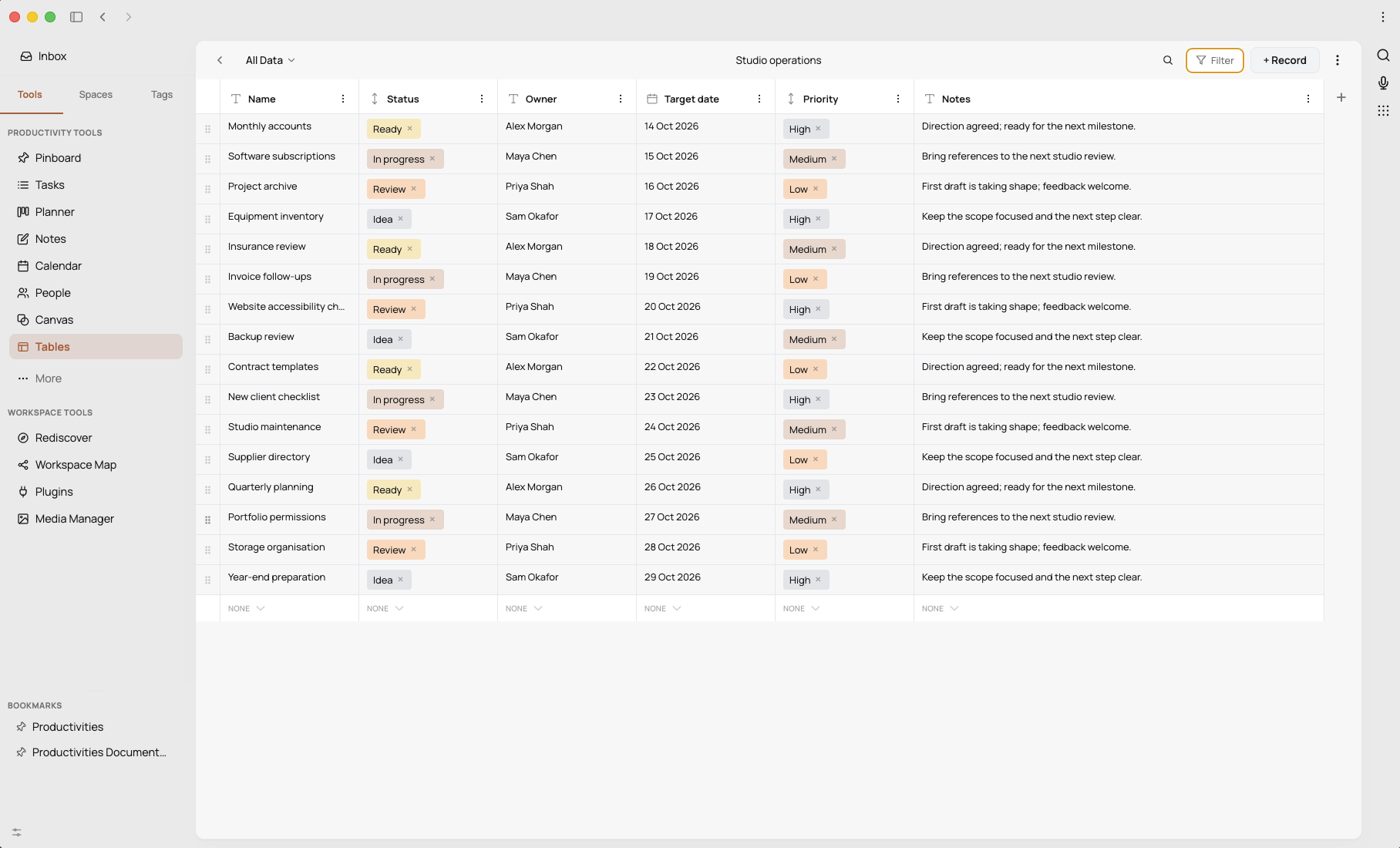
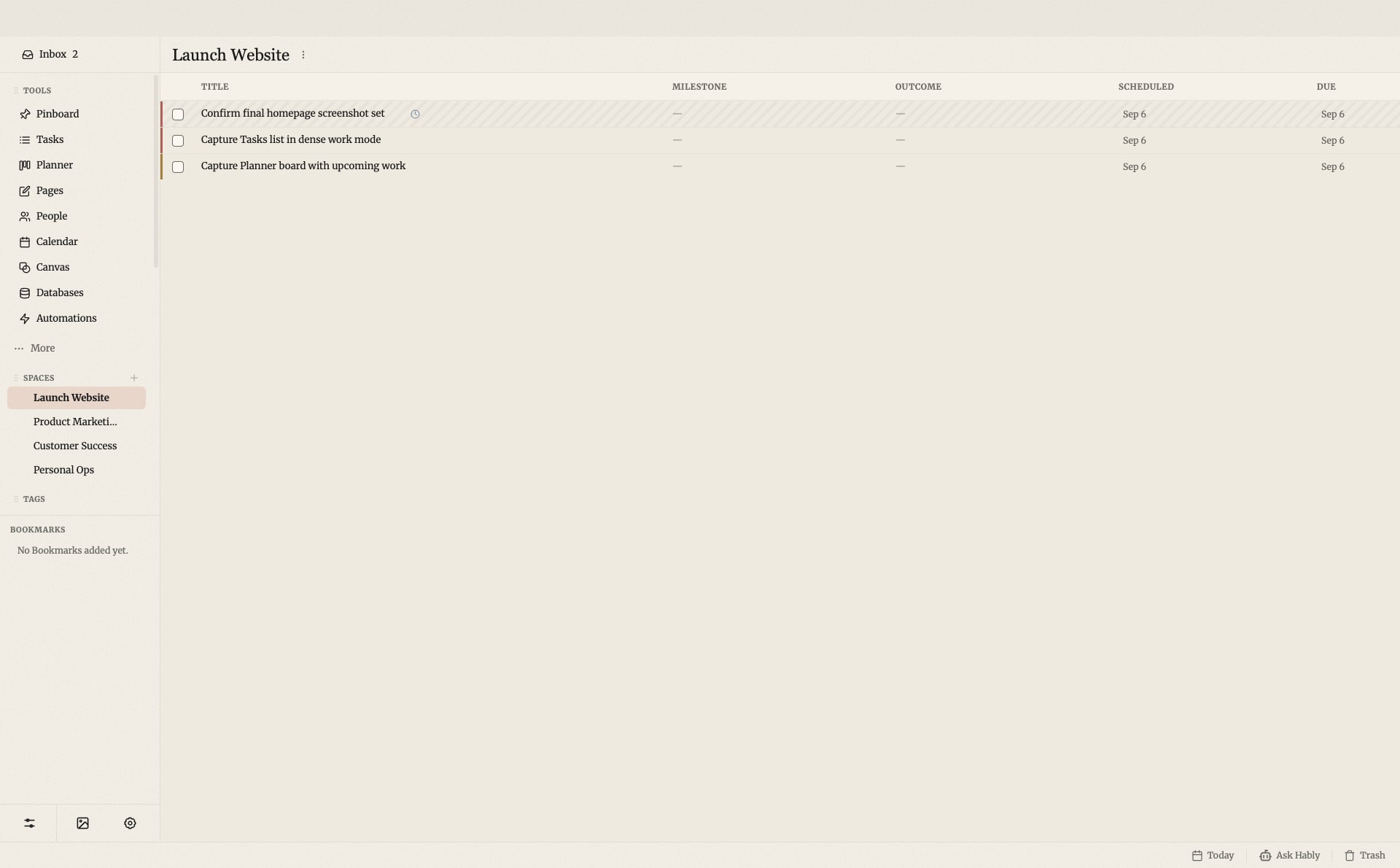
A Space brings a project’s Pages, tasks, people, references, databases and visual plans together. Each piece keeps the format that suits it, while sharing the context that makes it useful.
For research, a personal project or the working day, it’s a way to move between thinking and doing without losing your place.
A project’s context, kept together.
Your workspace, on your terms
Thoughtful by design. Local-first by default.
Keep your work close.
Productivities works as a self-contained local application. Markdown stays in real files, with your database and media under your control. A Productivities cloud account isn’t required for the local workspace.
Make room for useful help.
The in-product Hably assistant can find context, research and help create or update supported work. Choose a supported provider or compatible local model, with approvals for consequential actions.
Optional connected services have their own requirements. The Productivities website has current availability and product details.
One of our own
Get to know Productivities.
Explore the full product story, current features and latest updates on its dedicated website.